

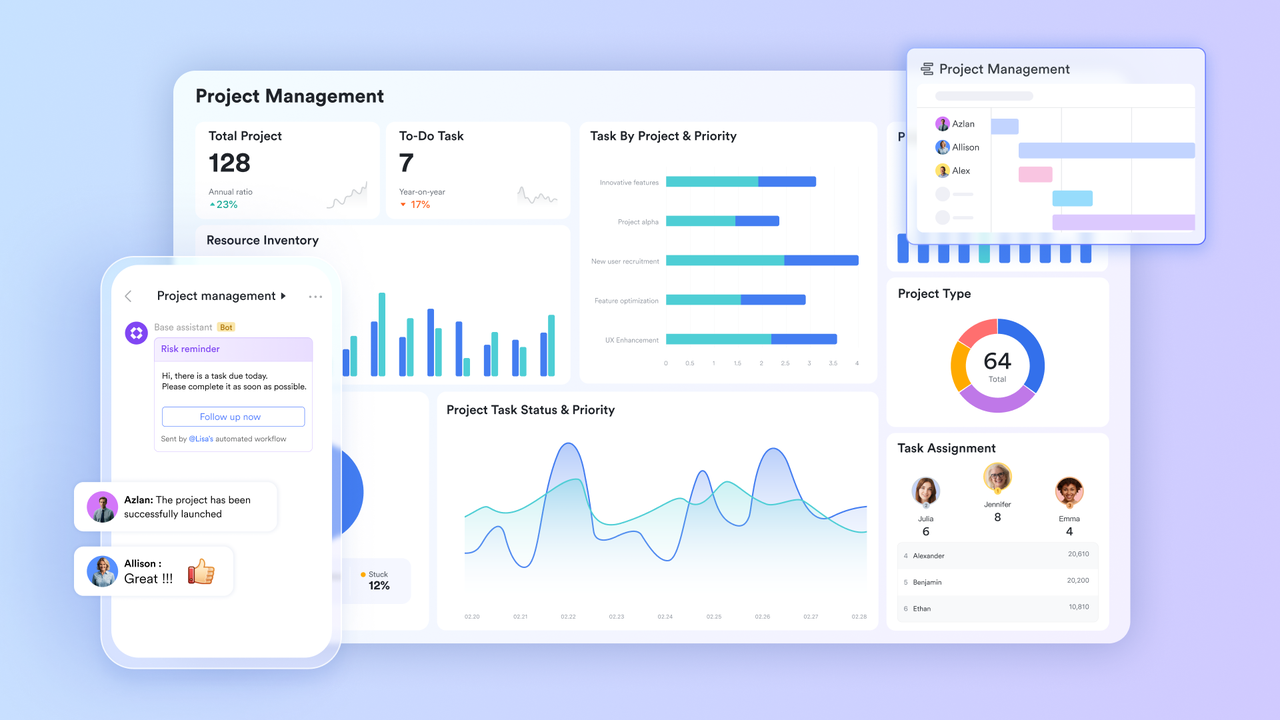
Remote onboarding looks deceptively similar to in-office onboarding from a distance. The new hire receives the same welcome email, attends the same orientation session over video, and is assigned the same buddy as their in-office counterpart. The difference reveals itself in the second week, when the in-office hire has absorbed a month’s worth of ambient organizational knowledge through proximity, and the remote hire is still waiting for someone to tell them which Slack channel to ask their questions in. In-person onboarding is partly a formal process and largely an environmental one. The new hire learns the organization not just through the sessions that were scheduled for them but through the conversations they overheard, the whiteboard diagram a colleague sketched while explaining a system, and the thirty seconds of hallway conversation that answered a question they did not yet know they had. Remote onboarding cannot replicate that environment. It can only replace it, and the replacement requires deliberate infrastructure rather than a digital version of the same analog process. That infrastructure is built on project management tools that make the organizational context, social connection, and practical orientation that used to happen by proximity available on demand from anywhere.
No guide required with Lark Wiki
The first week of remote onboarding reveals the documentation gap immediately. The new hire has a question. There is no one sitting next to them to ask. The search in whatever documentation system the company uses returns three results, none of which are current, and the newest was last edited fourteen months ago. They send a message to their buddy. The buddy responds four hours later. The answer they receive could have lived in a well-structured knowledge base and been available in thirty seconds, but it did not and was not, so two people paid the coordination cost of a gap that infrastructure should have closed.
- “Rich Content” for role-specific onboarding spaces. Lark Wiki pages can contain embedded documents, process databases, reference sheets, and checklists within a single organized structure. A new hire’s onboarding Wiki space carries everything they need for their first thirty days, including the technical reference, the process guides, and the team-specific context, in one navigable location rather than scattered across multiple tools and drives.
- “Advanced Search” for self-serve knowledge retrieval. Any new hire who encounters an unfamiliar acronym, a process they have not yet been briefed on, or a policy they need to verify can search the full organizational knowledge base with a keyword and find the relevant document in seconds without interrupting a colleague who has their own work to do.
The result: The new hire can answer most of their first-week questions independently. The buddy relationship becomes a developmental one rather than a question-answering service, and the senior team members who would have fielded a dozen daily questions from the new hire keep their working time intact.
Belonging built into the platform with Lark Messenger
The social dimension of remote onboarding is the hardest to replicate and the easiest to neglect. In an office, social connection accretes naturally through shared physical space. Remotely, it requires deliberate structural support. A new hire who joins a remote team and receives no social signals in the first two weeks beyond the scheduled orientation sessions will form an accurate but unflattering assessment of the organization’s culture, even if the assessment is based on infrastructure failure rather than genuine indifference.
- “Chat Tabs & Threads” for immediate team context. When a new hire joins a group in Lark Messenger, they see the pinned reference materials, ongoing project threads, and key decisions that the team has built up, giving them a structured entry point into the team’s active work rather than a blank history that tells them nothing about how the team operates.
- “Real-time Auto Translation” for multilingual team inclusion. New hires joining a team that communicates across multiple languages can participate in existing conversations in their preferred language from their first day, removing the social barrier that causes international remote hires to hold back from team communication until their confidence in the dominant language catches up.
The result: Remote new hires enter team communication with context and confidence rather than starting from a blank slate. The social connection that used to accrete through proximity is replaced by a structured communication environment that actively supports belonging rather than leaving it to chance.
A starting brief the new hire can trust with Lark Docs
Remote new hires are more dependent on written documentation than their in-office counterparts because they have fewer informal channels through which to fill the gaps. When that documentation is inaccurate, the remote new hire has no ambient correction mechanism. They follow the outdated process, take the incorrect approach, or operate under a false assumption for longer than an in-office hire would, because nobody walked past their desk and noticed the error before it compounded.
- “Version History” as a documentation trust signal. Every change to a Lark Docs is logged with the editor’s name and timestamp. A new hire who opens their role brief and sees that it was last updated two days ago by their manager is reading a document they can trust. One that was last updated eight months ago by someone who has since left the company is not, and the “Version History” makes that judgment immediate rather than requiring the new hire to ask when the document was last reviewed.
- Document templates for consistent role-specific content. Every role’s onboarding brief is built from the same structured template, ensuring that the content a remote new hire receives covers the same essential ground as their in-office counterpart regardless of which team member or HR coordinator produced it.
The result: Remote new hires make better decisions in their first weeks because the documentation they are relying on is visibly current and consistently structured. The errors that accumulate when remote employees operate from outdated written guidance are reduced before they have a chance to compound.
Day one without the calendar scramble with Lark Calendar
One of the most consistently frustrating dimensions of remote onboarding is the calendar experience. The new hire is added to some meetings but not others. They attend a standup on day two without any context for what the team is working on. They miss a planning session because nobody thought to add them to the recurring invite. They spend their first week discovering the organization’s meeting rhythm by accident rather than by design, and each missed session is a missed opportunity to absorb context that their in-office counterpart would have been included in automatically.
- “Calendar Subscription” for immediate schedule visibility. Onboarding coordinators can add the new hire to every relevant shared calendar on their first day, so team standups, sprint ceremonies, department all-hands sessions, and company events appear on the new hire’s schedule automatically without individual invitations being required for each one.
- “Meeting Groups” for pre-meeting context access from day one. Every recurring meeting the new hire is added to gives them automatic access to the linked group chat, where they find the history of pre-reads, agendas, and post-meeting notes from previous sessions, giving them the background context for every session they join rather than attending as a participant who does not yet understand what the meeting is for.
The result: The remote new hire arrives at their first week’s meetings knowing why they are there and what the team has been working on. The disorienting experience of attending sessions without context, which is one of the most consistent remote onboarding complaints, is replaced by structured preparation that travels with every calendar event.
Requests submitted before the first morning with Lark Forms
The administrative experience of remote onboarding sets a tone about the organization’s operational competence before any real work has happened. When a remote new hire spends their first morning searching for the right person to email about equipment setup, hunting for a form that was mentioned in an onboarding document but not linked, or sending messages into a general channel and waiting for someone to redirect them to the right process, the message received is that the organization did not prepare for their arrival.
- Conditional form logic for role-adapted intake. A single onboarding intake form built in Lark Forms adapts its questions to the new hire’s role, location, and equipment requirements, so a remote engineer and a remote account manager each see the fields relevant to their specific situation rather than a generic form that requires them to skip irrelevant sections.
- Direct Base mapping for zero-delay processing. Every submission arrives immediately as a structured record in the HR and IT team’s Lark Base operational queue, so requests are visible and actionable the moment they are submitted without anyone having to check an inbox, parse an unstructured message, or manually enter the information into a separate tracking system.
The result: The remote new hire completes their administrative onboarding from their personal device before their first morning begins and receives automatic confirmation that their requests have been received. Their first day starts with the organization having already prepared for their arrival rather than still catching up to it.
Bonus: Why remote onboarding tools miss the real problem
The standard response to poor remote onboarding is to add a dedicated tool. Platforms like Notion and Confluence improve the documentation layer. BambooHR and Workday improve the administrative intake layer. Slack and Microsoft Teams create the communication layer. Each tool addresses one dimension of the problem while leaving the others intact, and the new hire who arrives in a remote environment running all three still faces the coordination overhead of navigating between them to assemble the picture that should have been in one place from the start.
Looking at Google Workspace pricing as a base and adding onboarding-specific tools alongside it reveals a system where the knowledge base, the communication environment, the role brief, the calendar, and the administrative intake all live in separate places. The remote new hire who cannot find their way between them does not have an onboarding problem. They have an infrastructure problem. Lark consolidates all five layers into one environment, so the remote new hire’s onboarding experience is as coherent as the in-office experience it was designed to replace.
Conclusion
Remote onboarding fails when it tries to replicate the in-office experience through digital equivalents of the same analog processes. It succeeds when it replaces the ambient organizational context that proximity provides with deliberate infrastructure that delivers the same knowledge, connection, and orientation on demand. A connected set of productivity tools that gives remote new hires self-serve access to every layer of their onboarding experience is how organizations close the gap between joining and contributing, regardless of where the new hire is sitting.
